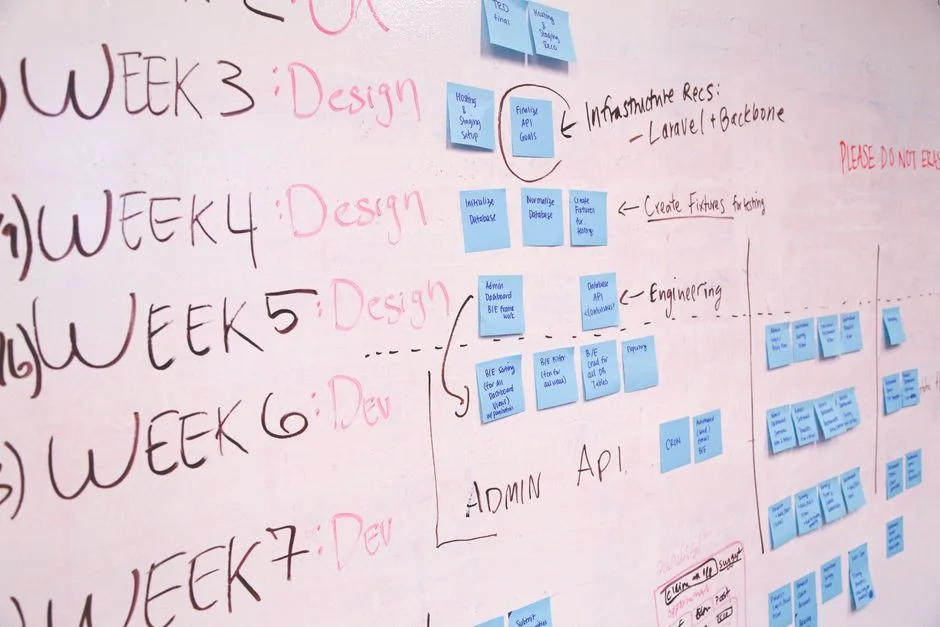
For startup founders and CTOs, the time spent building internal dashboards is time stolen from core product development. Laravel Filament has emerged as the industry-standard framework for rapidly scaffolding robust, secure, and extensible admin interfaces. It moves away from the traditional model of writing repetitive CRUD controllers, instead offering a declarative approach that integrates directly with Laravel’s Eloquent models.
In this guide, we evaluate why Filament is the preferred choice for modern Laravel ecosystems, how it manages complex data relationships, and the architectural considerations required to maintain performance as your application scales. Whether you are building a SaaS back-office or an internal ERP, understanding the Filament lifecycle is essential for engineering efficiency.
Why Filament is the Standard for Laravel Admin Panels
Filament operates on the TALL stack (Tailwind, Alpine.js, Laravel, and Livewire), which allows developers to build dynamic interfaces without leaving the PHP ecosystem. Unlike traditional admin generators that produce static, difficult-to-maintain code, Filament uses a provider-based architecture that keeps your admin logic encapsulated.
Key advantages include:
- Declarative UI: You define fields and table columns using fluent PHP methods rather than writing HTML templates.
- Deep Eloquent Integration: Filament understands your database relationships out of the box, handling complex eager loading and form validation automatically.
- Role-Based Access Control (RBAC): Integrated support for policies and permissions, ensuring your data remains secure from the start.
Installation and Lifecycle Management
To begin, you must ensure your application is running a compatible version of Laravel. Installation is handled through Composer, followed by the execution of the Filament panel setup command, which creates the necessary service providers and configuration files.
composer require filament/filament:^3.0 -W
Once installed, Filament requires a dedicated Admin user. You should utilize the FilamentUser interface on your User model to define access policies. This ensures that only authorized personnel can access the panel, preventing unauthorized exposure of your internal business data.
Defining Resources: The Core of Filament
A ‘Resource’ in Filament represents a business entity, such as a Product, User, or Order. Each resource class governs how data is listed, created, and edited. By centralizing this logic, you minimize the risk of inconsistent data entry across your platform.
public static function form(Form $form): Form { return $form->schema([ TextInput::make('name')->required(), Select::make('status')->options(['active' => 'Active', 'inactive' => 'Inactive']) ]); }
This approach enforces type safety and validation at the form level, which is critical for maintaining data integrity in high-traffic SaaS environments.
Performance and Security Tradeoffs
While Filament is highly performant, improper usage can lead to N+1 query problems. Because Filament is built on Livewire, every interaction can trigger a network request. To mitigate this, always use with() or load() methods in your resource’s table() query to eager-load relationships.
Regarding security, Filament respects standard Laravel policies. You must define viewAny, create, update, and delete methods within your model policies. Never rely on default settings for production environments; always explicitly define who can access what.
Extending Filament for Custom Business Needs
Filament is not just for standard CRUD. You can extend it with custom pages, widgets, and even integrate third-party APIs. If your dashboard requires a custom visualization of your sales data, you can build a custom Livewire component and register it as a Dashboard Widget.
This extensibility is why it is preferred for ERP development. Whether you need to integrate a payment gateway management interface or a complex logistics tracking map, Filament provides the hooks to inject custom functionality without breaking the core admin panel structure.
Decision Framework: When to Use Filament
You should choose Filament when your primary goal is speed to market and standardizing internal operations. If you are building a custom, highly interactive UI that does not mirror your database schema (e.g., a collaborative design tool), Filament may be too restrictive.
| Requirement | Recommendation |
|---|---|
| Internal ERP/CRM | Filament |
| Customer-Facing SaaS UI | Custom React/Next.js |
| Quick MVP | Filament |
Factors That Affect Development Cost
- Complexity of custom widgets
- Number of database relationships to map
- Integration with external APIs
- Custom role-based permission logic
Costs vary based on the level of customization required versus using standard out-of-the-box Filament components.
Frequently Asked Questions
Is Filament suitable for high-traffic applications?
Yes, provided that you manage database queries efficiently. As long as you implement eager loading and proper caching strategies, Filament scales effectively for internal admin panels.
Can I use Filament with existing database tables?
Absolutely. Filament works by generating resources based on your existing Eloquent models, making it compatible with both new and legacy Laravel database schemas.
How does Filament compare to Laravel Nova?
Filament is free and open-source with a highly active community, while Nova is a paid, first-party package. Filament offers a more modern, TALL-stack approach that many developers find easier to customize.
Laravel Filament is a force multiplier for development teams. By offloading the complexity of admin panel construction to a battle-tested framework, you allow your engineers to focus on the unique value propositions of your product. Whether you are scaling an existing ERP or starting a new SaaS, Filament provides the stability and flexibility required for growth.
At NR Studio, we specialize in building scalable software solutions. If you need help architecting your next dashboard or integrating Filament into your existing infrastructure, our team is ready to assist you in building high-performance, secure admin panels.
NR Studio builds custom web apps, mobile apps, SaaS platforms, and internal tools for growing businesses. If you’re working through a technical decision, feel free to reach out — no commitment required.