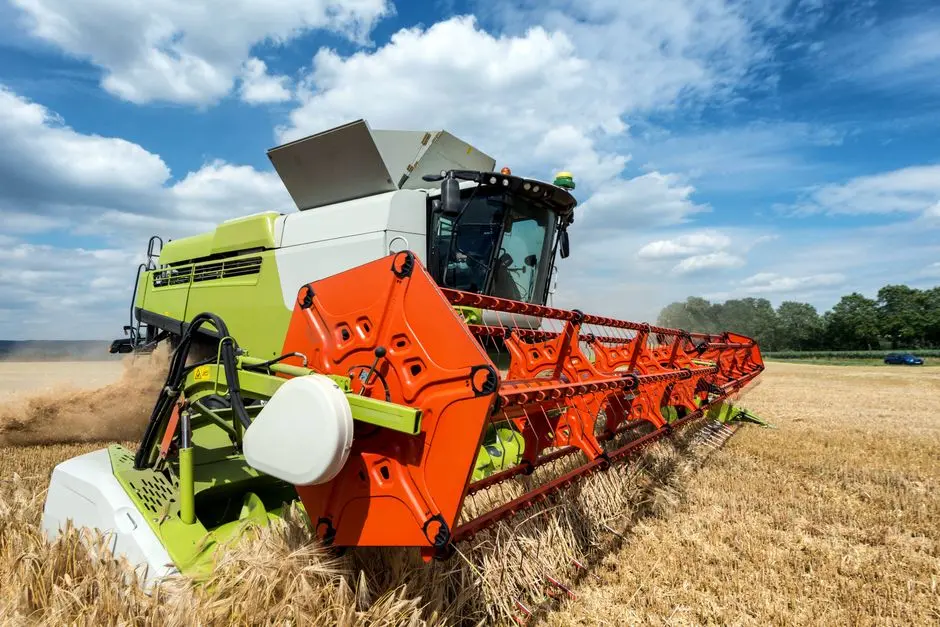
Agribusiness requires a unique fusion of logistics, inventory management, and seasonal labor tracking that standard, off-the-shelf ERP systems often struggle to accommodate. For modern farming operations, the disconnect between field data and financial reporting is a primary source of inefficiency. A custom ERP solution bridges this gap by integrating IoT sensor data, supply chain logistics, and real-time financial oversight into a single, cohesive source of truth.
As software architects, we find that the most successful agricultural firms move away from fragmented spreadsheets and rigid, non-specialized software. Instead, they invest in systems designed to handle the volatility of crop yields, livestock management, and complex compliance requirements. This article examines the technical architecture, development considerations, and strategic value of building a custom ERP for the agricultural sector.
Architecting for Agricultural Volatility
The core challenge in agribusiness software is handling data heterogeneity. Unlike retail or manufacturing, farming is dictated by biological cycles and environmental uncertainty. A robust ERP must account for land-parcel-level tracking, chemical application logs, and harvest forecasting. From an architectural perspective, this requires a modular approach where specific ‘micro-services’ handle distinct business domains.
- Geospatial Integration: Mapping plots to individual financial records ensures that ROI is calculated per acre, not just per farm.
- Event-Driven Data Ingestion: Integrating IoT sensors for soil moisture, temperature, and humidity requires an event-driven architecture capable of processing telemetry data in real-time.
- Inventory Seasonality: Unlike static inventory, agricultural stock (crops, feed, livestock) has shelf-life and growth dynamics that require time-series data modeling.
The Four Pillars of Agribusiness ERP
An effective ERP for farming rests on four pillars: Business Process Integration, Centralized Data Management, Automation of workflows, and Real-time Reporting. In agribusiness, these pillars translate into specific operational benefits. For instance, ‘Centralized Data Management’ implies that the procurement office can see exactly how much fertilizer is currently in storage before authorizing a new purchase, preventing overstocking and capital lockup.
Automation is equally critical. By automating the reconciliation of harvest weights against logistics manifests, businesses can eliminate manual data entry errors that typically plague seasonal operations. Real-time reporting allows owners to pivot strategies based on current market prices and yield projections rather than waiting for end-of-month manual reports.
Technical Stack Considerations for Scalability
For custom ERP development, we prioritize a stack that offers high performance, maintainability, and security. We typically recommend a Laravel-based backend for its robust handling of complex business logic and database relations, combined with a React or Next.js frontend for a dynamic, user-friendly dashboard.
| Feature | Technology Recommendation |
|---|---|
| API Strategy | REST API or GraphQL |
| Database | MySQL or PostgreSQL (with JSONB for flexible data) |
| Task Queues | Redis/Laravel Queues (for heavy batch processing) |
| Frontend | Next.js (for high-performance reporting) |
Using a typed language like TypeScript ensures that complex financial and biological data structures remain consistent, reducing the risk of runtime errors during critical harvest or shipping periods.
Integration Strategy: Bridging Field and Office
A custom ERP is only as valuable as the data it connects. In an agricultural environment, this often means integrating with external hardware, such as GPS-enabled tractors, weather stations, and automated irrigation controllers. A well-designed REST API is essential for pulling telemetry data into the ERP database for analysis.
Furthermore, integrating with financial software for payroll, tax compliance, and invoicing is mandatory. By centralizing the data, you reduce the operational overhead of manually transferring information between disparate systems. The goal is a ‘single-pane-of-glass’ experience where the farm manager can monitor field performance and financial health simultaneously.
Security and Performance for Agricultural Data
Security is non-negotiable. Agricultural operations store sensitive data, including financial records, supply chain contracts, and proprietary production methodologies. We implement role-based access control (RBAC) to ensure that seasonal labor only accesses the data necessary for their tasks, while managers retain full oversight.
Performance is equally critical during peak seasons. When harvest data pours in, the system must handle high-concurrency requests without latency. We utilize database indexing strategies and asynchronous queue processing to ensure that the user interface remains responsive even during heavy background data synchronization. Next.js server-side rendering further enhances the performance of data-heavy dashboards, ensuring that reports load instantly for stakeholders.
Decision Framework: Custom vs. Off-the-Shelf
Choosing between a commercial off-the-shelf (COTS) system like Odoo or SAP and a custom-built solution depends on your operational complexity. If your business relies on standard, repeatable processes, a COTS solution may suffice. However, if you have proprietary farming methods, unique logistics chains, or require deep integration with custom field hardware, a custom ERP is the superior choice.
Choose Custom When: Your business processes provide a competitive advantage, you require complex custom reporting, or your integration requirements exceed the capabilities of standard APIs.
Choose Off-the-Shelf When: Your processes are standardized and you need a fast, low-cost initial implementation with minimal unique logic.
Factors That Affect Development Cost
- Complexity of agricultural data models
- Number of IoT device integrations
- Requirements for real-time reporting dashboards
- Scale of historical data migration
- Security and compliance requirements
Development costs for custom ERP systems vary significantly based on the breadth of features and the complexity of integrations required for your specific agricultural processes.
Frequently Asked Questions
What is the ERP system for agriculture?
An ERP system for agriculture is a software platform designed to integrate all aspects of farm and agribusiness operations, including crop management, inventory control, supply chain logistics, and financial accounting. It serves as a unified digital infrastructure that replaces disjointed spreadsheets and manual tracking.
What are the top 3 ERP systems?
In the general market, SAP, Oracle, and Microsoft Dynamics are widely recognized as the top enterprise ERP systems. However, for specialized agricultural needs, these often require extensive customization or third-party add-ons to function effectively.
What is the best software for farmers?
The best software depends on the scale and complexity of the operation. Small farms often benefit from specialized farm management apps, while large-scale, enterprise-level agribusinesses typically require a custom-built ERP to handle their unique logistics, inventory, and financial reporting requirements.
Building a custom ERP for agribusiness is an investment in long-term operational resilience. By tailoring the software to the specific rhythms of your farm, you gain the ability to make data-driven decisions that directly impact your bottom line. Whether you are automating harvest logistics or optimizing resource procurement, a custom solution provides the precision that generic platforms lack.
At NR Studio, we specialize in building high-performance, secure, and scalable software for the agriculture sector. If you are ready to modernize your operations, our team is prepared to architect a system that grows with your business. Contact us today to discuss your requirements and see how we can transform your farm’s data into a strategic asset.
Ready to Build a Custom Solution?
NR Studio specializes in custom software built around your workflow. Tell us what you’re building and we’ll walk through your options together.