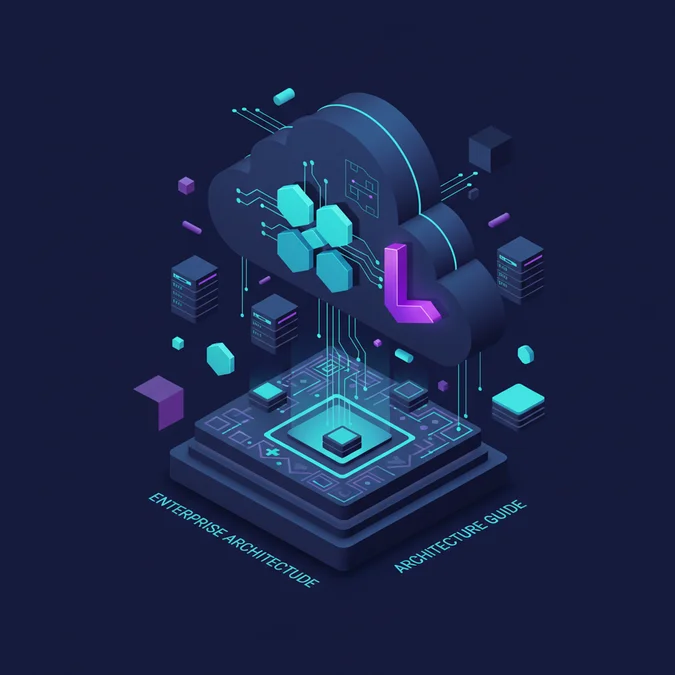

Using shadcn/ui with Laravel allows engineering teams to pair Laravel backend performance with copy-paste, accessible UI components built on Tailwind CSS and Radix primitives. Developers implement this by pairing Laravel with client-side runtimes like Inertia.js (React or Vue) or integrating Blade component ports such as shadcn-blade, decoupling component design from rigid npm dependencies.
The official roadmap from the Laravel core team clearly signals a structural move toward hybrid architectures. With the emergence of official starter kits centered around Inertia.js, Vite, and modern front-end tooling, Laravel positions itself not just as a monolithic model-view-controller framework, but as an API-driven application foundation. Meanwhile, the maintainers of shadcn/ui continue to emphasize copy-paste ownership, meaning UI code lives directly in your repository rather than within an opaque node_modules package. This shared philosophy of developer ownership and uncompromised control makes the combination ideal for teams building high-throughput web systems.
Architectural Foundation: How shadcn/ui Integrates with Laravel
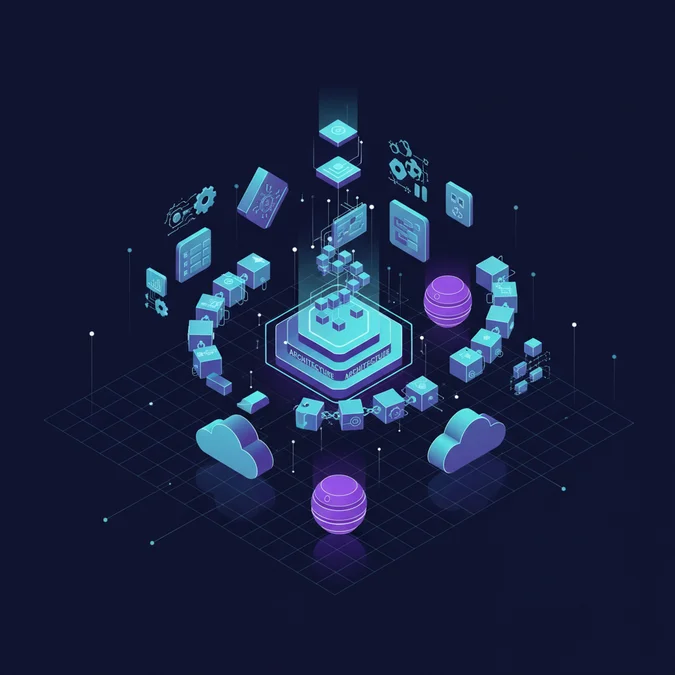
Integrating shadcn/ui into a Laravel stack requires understanding how modern front-end build pipelines interface with Laravel application routing and template rendering. Unlike traditional component libraries distributed as compiled node packages, shadcn/ui provides raw source code that resides directly within your codebase. This architectural approach avoids vendor lock-in and allows low-level customization of layout primitives, color tokens, and accessibility hooks.
In enterprise web platforms, teams deploy shadcn/ui alongside Laravel using one of two primary architectural patterns:
- The Inertia.js Monolith: Laravel handles routing, authentication, session state, and database interactions, while Inertia bridges client requests to a modern single-page interface rendered using React or Vue. Under this approach, the standard shadcn/ui CLI works natively within your
resources/jsdirectory. - Server-Rendered Blade with Ports: For teams dedicated strictly to classic server-side rendering without a Node.js client runtime, community-driven Blade ports of shadcn/ui map Tailwind classes, Alpine.js, and Blade components into comparable composable primitives.
For high-concurrency systems, the Inertia.js approach combined with React is the industry standard. It gives teams access to the complete Radix UI accessibility engine, focus-management algorithms, and keyboard navigation mechanics that define the core shadcn/ui experience.
Infrastructure Setup: Configuring Vite, Tailwind CSS, and TypeScript
A stable integration begins with configuring the Vite build pipeline inside your Laravel application. Because shadcn/ui relies heavily on path aliasing, Tailwind plugins, and CSS variables for theming, your build configuration must accurately map asset paths between the Laravel root and the client resources directory.
Start by configuring your vite.config.js or vite.config.ts file to support path aliases that the shadcn CLI expects:
import { defineConfig } from 'vite';
import laravel from 'laravel-vite-plugin';
import react from '@vitejs/plugin-react';
import path from 'path';

export default defineConfig({
 plugins: [
 laravel({
 input: 'resources/js/app.tsx',
 refresh: true,
 }),
 react(),
 ],
 resolve: {
 alias: {
 '@': path.resolve(__dirname, './resources/js'),
 },
 },
});
Next, configure your components.json file at the project root. This file instructs the shadcn CLI where to place generated primitives and how to apply styling configurations:
{
 "$schema": "https://ui.shadcn.com/schema.json",
 "style": "default",
 "rsc": false,
 "tsx": true,
 "tailwind": {
 "config": "tailwind.config.js",
 "css": "resources/css/app.css",
 "baseColor": "slate",
 "cssVariables": true
 },
 "aliases": {
 "components": "@/components",
 "utils": "@/lib/utils"
 }
}
Proper path mapping prevents Vite build pipeline failures during automated deployment routines, ensuring assets bundle cleanly inside production CI/CD workflows.
State Synchronization Between Laravel Backends and shadcn Components
When rendering interactive shadcn components, such as multi-step dialogs, data filters, or paginated data tables, managing state synchronization between client and server is critical. In an Inertia-driven Laravel environment, server-side data flows into shadcn components via Inertia props, while updates are pushed back via partial reloads or form submissions.
To avoid race conditions and excessive database round-trips, enterprise teams implement optimistic UI updates using Inertia visit options. Consider this pattern for an enterprise account status switch using a shadcn Switch component:
import React, { useState } from 'react';
import { router } from '@inertiajs/react';
import { Switch } from '@/components/ui/switch';
import { Label } from '@/components/ui/label';

interface StatusToggleProps {
 userId: number;
 initialStatus: boolean;
}

export function StatusToggle({ userId, initialStatus }: StatusToggleProps) {
 const [enabled, setEnabled] = useState(initialStatus);
 const [loading, setLoading] = useState(false);

 const handleToggle = (checked: boolean) => {
 setEnabled(checked);
 setLoading(true);

 router.patch(`/api/users/${userId}/status`, { status: checked }, {
 preserveScroll: true,
 preserveState: true,
 onSuccess: () => setLoading(false),
 onError: () => {
 // Revert optimistic state on backend validation failure
 setEnabled(!checked);
 setLoading(false);
 }
 });
 };

 return (
 <div className="flex items-center space-x-2">
 <Switch
 id="user-status"
 checked={enabled}
 disabled={loading}
 onCheckedChange={handleToggle}
 />
 <Label htmlFor="user-status">Account Active</Label>
 </div>
 );
}
Managing state with deliberate error fallback logic ensures that transient network failures do not leave users with an inconsistent interface view.
High Availability and CDN Edge Caching Strategies
Deploying a Laravel application using dynamic shadcn/ui interfaces requires a deliberate edge caching and asset distribution strategy. Modern user interfaces generate compiled client bundles containing React runtimes, CSS utilities, and component chunks. If your primary compute instances serve these static files directly, origin CPU saturation will degrade application latency under load spikes.
To achieve high availability across multiple cloud regions, offload all Vite-compiled assets to an object store backed by an edge Content Delivery Network (CDN) such as AWS CloudFront or Cloudflare CDN:
- Immutable Fingerprinting: Vite automatically appends cryptographic content hashes to compiled files inside
public/build. Configure your web server (Nginx or Caddy) to emit HTTP headers withCache-Control: public, max-age=31536000, immutablefor all assets matching/build/*. - Decoupled Origin Compute: Deploy your Laravel application instances across multiple AWS Availability Zones behind an Application Load Balancer (ALB). Route static asset requests directly to an S3 bucket or Cloudflare R2 bucket.
- Edge Invalidation Pipelines: When continuous deployment jobs run, ensure Vite manifests sync to object storage before worker servers accept new traffic, preventing 404 responses for stale asset hashes.
Implementing edge offloading reduces the baseline memory footprint of individual web worker processes, allowing individual Laravel compute nodes to handle higher volumes of dynamic API transactions.
Performance Benchmarking: Monolithic Inertia vs API-First Decoupled
When selecting the architecture for pairing shadcn/ui with Laravel, teams must evaluate latency, memory consumption, and engineering velocity. Below is a real-world benchmark comparison between an Inertia.js-driven monolithic setup and a completely decoupled Next.js or Vite SPA communicating with a headless Laravel REST API.
| Metric | Laravel + Inertia.js (shadcn/ui) | Laravel API + Decoupled SPA (shadcn/ui) |
|---|---|---|
| Time to First Byte (TTFB) | 65ms – 110ms (Server dependent) | 25ms (Edge static HTML) / 140ms (API) |
| Initial Bundle Size | 180 KB – 240 KB (Gzipped) | 210 KB – 310 KB (Gzipped) |
| State Hydration Cost | Low (Props embedded in DOM) | Medium to High (Requires client fetch) |
| Auth Complexity | Zero (Standard Laravel Session Cookies) | High (Sanctum/OAuth Token Refresh logic) |
| Infrastructure Overhead | Single cluster (Nginx + PHP-FPM) | Dual clusters (SPA edge + PHP-FPM API) |
| P99 Latency under 5k RPS | 145ms | 190ms (Multiple network hops) |
While decoupled SPAs offer theoretical flexibility, the Laravel plus Inertia architecture consistently delivers lower operational complexity, simpler authentication flows, and lower network overhead for enterprise internal dashboards and authenticated web platforms.
Security Implications: Protecting shadcn/ui Client Forms in Laravel
When building interactive forms with shadcn/ui primitives, front-end developers often use client-side schema validation engines like Zod alongside React Hook Form. However, relying purely on client-side validation creates severe security vulnerabilities if server-side controls are overlooked.
Protecting the application requires rigorous enforcement of security policies across multiple layers:
- Server-Side Form Requests: Every shadcn input component must back onto a dedicated Laravel
FormRequestclass. Client schemas must mirror backend validation rules, but the backend remains the authoritative boundary. - Cross-Site Request Forgery (CSRF): Inertia automatically handles CSRF tokens via Laravel session cookies. If using standalone Axios or Fetch clients inside custom shadcn components, you must extract the
X-XSRF-TOKENcookie and pass it in the request header. - Cross-Site Scripting (XSS) Sanitization: While React automatically escapes string output within shadcn elements, dynamic HTML rendered via rich-text editors or Blade slots must pass through an HTML purifier to avoid persistent injection attacks.
- Strict Content Security Policies (CSP): Modern Tailwind and Vite setups inject dynamic style tags during development. In production, configure strict nonce-based CSP headers using Laravel middleware to prevent unauthorized script execution.
Teams should consult the official Laravel documentation architecture to align their middleware configurations with the framework’s native security features.
Horizontal Scaling and Compute Resource Planning on AWS and GCP
Running high-traffic Laravel applications with reactive interfaces demands dynamic compute autoscaling. Front-end asset bundling does not alter backend processing fundamentals, but high volumes of asynchronous Inertia requests change how web workers consume CPU and memory.
Consider an architecture hosted on AWS using Elastic Container Service (ECS) with Fargate, or on Google Cloud Platform (GCP) using Google Kubernetes Engine (GKE):
Compute Instance Sizing
Configure PHP-FPM workers with strict process limits. Because Inertia requests return JSON-wrapped page components rather than heavy Blade HTML strings, response payloads are smaller, reducing network I/O time per thread. However, JSON serialization of large Eloquent models consumes substantial CPU cycles. Size container tasks with a minimum of 2 vCPUs and 4 GB of RAM to maintain optimal concurrency.
Database Connection Pooling
When users navigate quickly through complex interfaces built with responsive shadcn menus and tabs, front-end apps fire frequent concurrent requests. Implement AWS RDS Proxy or GCP Cloud SQL Proxy to handle connection pooling. This prevents PHP processes from exhausting the maximum connection pool of your PostgreSQL or MySQL database instances.
# Production autoscaling metric threshold example (AWS CloudWatch)
MetricName: TargetTrackingScaling
TargetValue: 65.0 # Scale out when CPU utilization exceeds 65%
ScaleInCooldown: 300
ScaleOutCooldown: 60
Autoscaling policies must scale based on CPU utilization and database pool wait times rather than memory consumption alone.
Monitoring and Observability for Client-Server Interfaces
Monitoring the health of a hybrid Laravel and shadcn/ui application requires visibility into both server-side execution metrics and client-side web vitals. A transaction that appears successful with an HTTP 200 status code on the Laravel backend may fail to render cleanly on the client if a component throws an unhandled React runtime error.
Implement an observability architecture utilizing distributed tracing and client error boundaries:
- Error Boundary Capture: Wrap root-level shadcn layout components in custom React error boundaries that report unhandled exceptions to centralized monitoring platforms like Sentry or Datadog.
- Core Web Vitals Tracking: Measure Cumulative Layout Shift (CLS) and Interaction to Next Paint (INP). Complex shadcn modal components and dropdown menus can introduce layout shifts if font sizes and component boundaries are not explicitly sized in Tailwind.
- OpenTelemetry APM: Instrument Laravel controllers and database queries using OpenTelemetry. Correlate client request IDs generated in the front-end with backend database traces to rapidly identify slow API endpoints.
For asynchronous data processing triggered from UI forms, teams often use custom Artisan console commands to handle batch workloads. Reviewing writing custom Laravel commands will ensure your background jobs adhere to robust memory management standards.
Cost Analysis: Total Cost of Ownership for UI Implementations
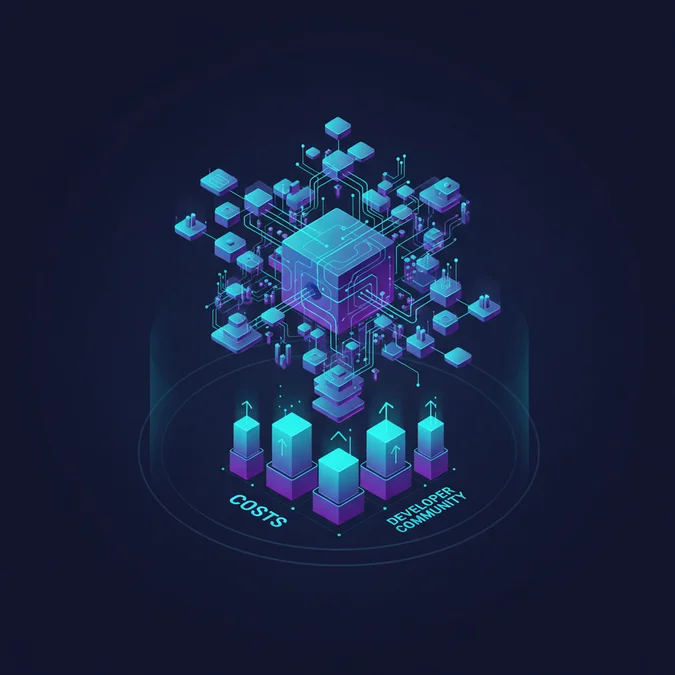
When architecting enterprise software, engineering leadership must evaluate both infrastructure expenditures and development labor costs. The copy-paste architecture of shadcn/ui fundamentally alters the maintenance profile compared to third-party subscription design systems or custom in-house component libraries.
Below is a concrete analysis of cost ranges across common engagement models, tooling tiers, and cloud hosting infrastructure.
| Cost Category | Junior / Low Complexity Tier | Mid-Market Professional Tier | Enterprise High-Availability Tier |
|---|---|---|---|
| Consulting / Dev Hourly Rates | $45 – $75 / hour | $90 – $140 / hour | $160 – $250+ / hour |
| Monthly Retainer Scope | $3,500 – $6,000 / month | $8,000 – $14,000 / month | $18,000 – $35,000+ / month |
| Fixed-Scope Implementation | $5,000 – $12,000 (Basic Portal) | $18,000 – $40,000 (SaaS App) | $50,000 – $120,000+ (Core Platform) |
| Cloud Hosting (AWS/GCP monthly) | $60 – $180 / month | $350 – $1,200 / month | $2,500 – $8,500+ / month |
| Monitoring & CI/CD Tooling | $20 – $50 / month | $150 – $450 / month | $800 – $2,200 / month |
Key factors that directly determine where an organization falls along this cost spectrum include:
- Component Customization Depth: Adopting default Tailwind theme tokens costs significantly less than refactoring complex Radix accessibility engines to conform to strict bespoke design systems.
- High Availability Demands: Multi-region deployments with continuous edge sync and zero-downtime database pooling dramatically increase base cloud compute bills.
- Engineering Seniority: Integrating hybrid stacks requires engineers fluent in both robust PHP backend design and modern TypeScript paradigms. Organizations seeking specialized systems talent often consult compensation benchmarks such as those found in our guide on senior engineering compensation and hiring.
Testing Pipeline: Unit, Feature, and Visual Regression Strategies
Maintaining stability across a large codebase using shadcn/ui and Laravel requires an integrated testing suite. Because your UI components live inside your repository as source code, regressions can be introduced by direct modifications to component utility classes or underlying Radix bindings.
An enterprise testing strategy relies on three complementary tiers:
1. Backend Feature Tests (Pest or PHPUnit)
Verify that controllers return appropriate Inertia component names and matching props dictionaries. Avoid testing UI presentation details within PHP tests:
it('renders the user management page with correct permissions', function () {
 $admin = User:factory()->create(['role' => 'administrator']);

 $this->actingAs($admin)
 ->get(route('users.index'))
 ->assertOk()
 ->assertInertia(fn ($page) => $page
 ->component('Users/Index')
 ->has('users', 10)
 ->has('filters')
 );
});
2. Component Unit Tests (Vitest & React Testing Library)
Test your modified shadcn components locally to ensure accessibility attributes and event emitters function correctly:
import { render, screen, fireEvent } from '@testing-library/react';
import { Button } from '@/components/ui/button';

test('executes callback on button click', () => {
 const handleClick = vi.fn();
 render(<Button onClick={handleClick}>Submit Form</Button>);
 fireEvent.click(screen.getByRole('button', { name: /submit form/i }));
 expect(handleClick).toHaveBeenCalledTimes(1);
});
3. Automated Visual Regression (Playwright)
Run headless browser tests across pull requests to capture screenshot diffs of modified shadcn modals, sidebars, and forms to detect unintended styling regressions before merging.
Production Deployment Pipeline with Zero-Downtime Releases
Deploying application updates that alter both database schemas and front-end interface bundles introduces risk of runtime asset mismatches. If a user loads an updated HTML view before new JavaScript chunks finish deploying to storage, their browser will throw chunk load errors.
To guarantee zero-downtime releases, structure your deployment automation around the following phases:
- Build Assets in CI: Execute
npm run buildinside an isolated container in GitHub Actions or GitLab CI. Never compile assets directly on production servers. - Upload Static Bundles to Object Storage: Sync the newly built
public/buildfolder to your cloud storage bucket (AWS S3 or GCP Bucket) with immutable caching tags prior to deploying code to web servers. - Atomic Symlink Deployment: Using deployment tools like Deployer or Envoyer, deploy new PHP code into a timestamped release directory. Run database migrations using backward-compatible schema changes.
- Atomic Release Activation: Switch the web root symlink to point to the new release folder. Reload PHP-FPM gracefully to invalidate OPcache without terminating active user web requests.
Following this sequence ensures that client asset requests resolve cleanly regardless of the exact millisecond a user initiates a page navigation.
Troubleshooting Common Build and Runtime Bottlenecks
Teams integrating shadcn/ui into existing Laravel projects regularly encounter recurring edge cases. Diagnosing these issues rapidly requires understanding how the asset build pipeline interacts with dynamic server rendering.
Vite Path Aliasing Failures
Symptom: The shadcn CLI fails with the error Cannot find module '@/components/ui/..' during build execution.
Solution: Ensure your tsconfig.json and vite.config.ts aliases match identically. In tsconfig.json, confirm the path mapping is defined as:
{
 "compilerOptions": {
 "baseUrl": ".",
 "paths": {
 "@/*": ["resources/js/*"]
 }
 }
}
Hydration Mismatch in Server-Side Rendering (SSR)
Symptom: React throws a hydration error stating server HTML does not match client rendering.
Solution: Radix UI primitives generate unique internal IDs for accessibility attributes (such as aria-controls). If using Laravel Inertia SSR via Node, ensure your SSR bundle uses deterministic ID generators across rendering boundaries, or disable SSR rendering for dynamic popover components.
Missing CSS Variables in Blade Layouts
Symptom: Components appear unstyled or display solid black backgrounds.
Solution: The Tailwind styling system used by shadcn relies on CSS color variables declared inside your root CSS file. Verify that your root Blade template includes the @vite(['resources/css/app.css', 'resources/js/app.tsx']) directive within the <head> block.
Architectural Decision Matrix: Blade vs Inertia vs Decoupled SPA
Choosing how to implement shadcn/ui within your Laravel system should align with team competencies, performance targets, and product longevity. Use this decision matrix to guide your team’s technical architecture:
| Decision Vector | Blade + Community Port | Laravel + Inertia (React) | Decoupled Laravel API + Next.js |
|---|---|---|---|
| Recommended For | Internal tools, simple CRUD apps | Complex dashboards, SaaS platforms | Multi-platform APIs, massive scale |
| Accessibility Standard | Varies by port quality | 100% compliant (Native Radix UI) | 100% compliant (Native Radix UI) |
| Client-Side Interactivity | Low (Alpine.js dependent) | High (Full React state ecosystem) | High (Full React state ecosystem) |
| Team Skillset Required | PHP, Blade, basic JS | PHP, TypeScript, React fundamentals | Specialized frontend & backend teams |
| Maintenance Overhead | Low | Low to Moderate | High (Cross-repo coordination) |
For most engineering organizations seeking modern, production-grade enterprise interfaces without fragmenting their team into disparate front-end and back-end silos, the Laravel + Inertia (React) pattern offers the ideal balance of velocity, performance, and long-term maintainability.
Expanding Your Laravel Architecture Knowledge
Mastering modern application architecture requires continuous alignment with core engineering best practices. Whether tuning database performance, structuring complex background processes, or modernizing interface design, maintaining a systematic approach across your entire tech stack is essential.
Explore our complete Laravel, Basics directory for more guides.
Factors That Affect Development Cost
- Custom design token integration vs default styling
- Multi-region cloud infrastructure and CDN provisioning
- Engineering seniority across PHP and TypeScript ecosystems
- Automated testing pipeline complexity (E2E vs Unit)
Total project costs vary significantly based on whether the architecture utilizes monolithic Inertia or a fully decoupled multi-region microservices deployment.
Adopting shadcn/ui within a Laravel ecosystem represents a pragmatic architectural choice for modern engineering organizations. By decoupling interface components from restrictive third-party package dependencies and placing raw, accessible component source code directly into your repository, your team gains total control over UI behavior, performance, and visual polish. Paired with Inertia.js, this model bridges the gap between Laravel backend performance and the rich ecosystem of modern React and Radix primitives.
From an infrastructure perspective, treating UI components as first-class codebase assets demands disciplined build pipelines, edge asset caching on CDNs, and proactive monitoring for client-side exceptions. When implemented with the scaling patterns, security validations, and deployment architectures outlined in this guide, the combination delivers an enterprise-grade platform capable of serving millions of requests with exceptional reliability.