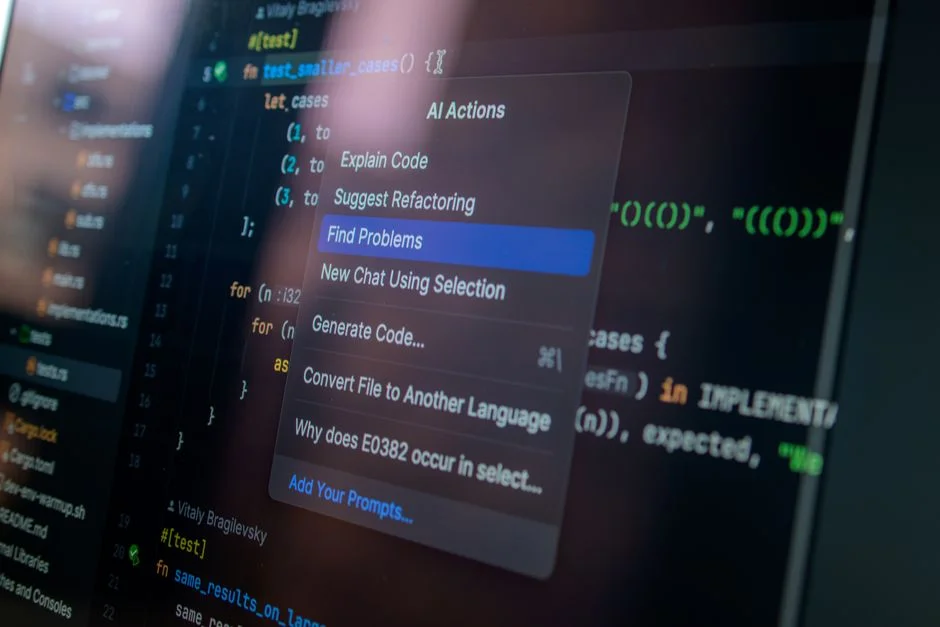
Integrating artificial intelligence into your CRM is no longer an optional upgrade; it is a fundamental shift in how businesses handle customer data. For startup founders and CTOs, the goal is to transform a passive database into an active, predictive engine. This guide explores the technical architecture required to integrate AI capabilities into custom or existing CRM systems.
We will move beyond marketing buzzwords to discuss the actual implementation strategy: data pipeline architecture, model selection, and the critical role of Retrieval-Augmented Generation (RAG) in providing contextually accurate insights. Whether you are scaling a legacy system or building a greenfield solution, the following framework provides a roadmap for sustainable AI deployment.
Architecting the AI-CRM Data Pipeline
To build an AI-powered CRM, your data pipeline is the most important component. AI models are only as effective as the data they consume. You must transition from batch processing to real-time data ingestion to ensure your models make decisions based on the latest customer interactions.
Consider a standard microservices architecture where your CRM backend (e.g., Laravel) triggers events whenever a record is created or updated. These events should be pushed to a message queue (like Redis or Amazon SQS) and processed by an AI service layer. This decoupling ensures that your CRM remains performant even during heavy inference workloads.
Implementing Retrieval-Augmented Generation (RAG)
RAG is the standard for grounding LLMs in your private, proprietary CRM data. Instead of fine-tuning a model on every customer interaction—which is costly and difficult to maintain—you store your CRM records in a vector database like Pinecone, Weaviate, or pgvector within your existing PostgreSQL instance.
When a user asks a question, the application retrieves relevant context from the vector store and sends it to the LLM. This keeps your data secure and ensures the model provides factually accurate answers specific to your customer history.
The key tradeoff here is latency. Embedding generation and vector search add milliseconds to every request, which must be accounted for in your UI/UX design.
Model Selection: Proprietary APIs vs. Open Source
Choosing between proprietary models like OpenAI’s GPT-4 and open-source models like Llama 3 depends on your security and privacy constraints. Proprietary APIs are easier to implement but require sending data externally. Open-source models, hosted on your own infrastructure, offer complete data sovereignty.
For high-volume, low-latency tasks like lead scoring or sentiment analysis, a smaller, fine-tuned model (e.g., Mistral 7B) often outperforms large, general-purpose models at a fraction of the cost. Always benchmark your models against specific CRM tasks before committing to an architecture.
Security and Compliance Considerations
AI integration introduces new attack vectors, specifically prompt injection and data leakage. When connecting an LLM to your CRM, implement strict row-level security (RLS) to ensure that a model can only access records authorized for the current user session.
Never pass sensitive PII (Personally Identifiable Information) to external model providers without proper anonymization. Use middleware to scrub data before it reaches the inference engine, and log all AI queries for auditing and performance monitoring.
Performance Benchmarks and Optimization
AI features can degrade CRM performance if not implemented correctly. Asynchronous processing is mandatory. Never wait for an LLM response during a synchronous HTTP request-response cycle.
| Metric | Synchronous | Asynchronous (Recommended) |
|---|---|---|
| API Response Time | 2.0s – 5.0s | < 100ms |
| Throughput | Low | High |
| Error Handling | Poor | Robust |
By offloading inference to background workers, you maintain a snappy user interface while the AI processes complex tasks in the background.
Decision Framework: Custom vs. Off-the-Shelf
When deciding whether to build AI features into a custom CRM or integrate them into a platform like Salesforce, consider your data complexity. If your business relies on highly specific, proprietary data schemas, off-the-shelf AI tools often fail to provide deep insights.
Choose custom development if you need full control over data privacy, proprietary algorithmic lead scoring, or unique workflows that generic CRM providers cannot support. Choose an off-the-shelf integration if your primary need is general-purpose summarization or basic email generation.
Factors That Affect Development Cost
- Data volume and cleaning requirements
- Choice of LLM provider vs. self-hosted models
- Complexity of custom CRM backend integrations
- Vector database management costs
Costs vary significantly based on the level of custom feature development versus the utilization of third-party AI APIs.
Frequently Asked Questions
How to integrate AI into CRM?
Integration involves creating an API bridge between your CRM database and an AI model provider. You typically use middleware or background workers to send structured data to an LLM, retrieve insights, and store those insights back into the CRM.
What is the 30% rule for AI?
The 30% rule refers to the estimation that AI implementation should aim to automate at least 30% of manual, repetitive tasks within a workflow to provide a justifiable return on investment. It serves as a benchmark for prioritizing which CRM features to automate first.
Can AI create a CRM system?
AI can assist in writing boilerplate code, generating database schemas, and optimizing queries, but it cannot architect a secure, scalable CRM system end-to-end. Human oversight is required to ensure data integrity, security, and alignment with complex business logic.
How is AI being used in CRM?
AI is primarily used for predictive lead scoring, automated customer sentiment analysis, personalized content generation, and summarizing long communication threads. These applications help sales and support teams prioritize actions based on data rather than intuition.
Integrating AI into your CRM is a strategic investment in efficiency and data-driven decision-making. By focusing on a robust data pipeline, secure RAG implementation, and asynchronous processing, you can create a system that truly serves your business needs rather than just managing contact lists.
At NR Studio, we specialize in building custom, high-performance CRM solutions integrated with advanced AI capabilities. If you are ready to move beyond generic software and build a custom CRM that scales with your business, contact our engineering team to discuss your project requirements.
Ready to Build a Custom Solution?
NR Studio specializes in custom software built around your workflow. Tell us what you’re building and we’ll walk through your options together.