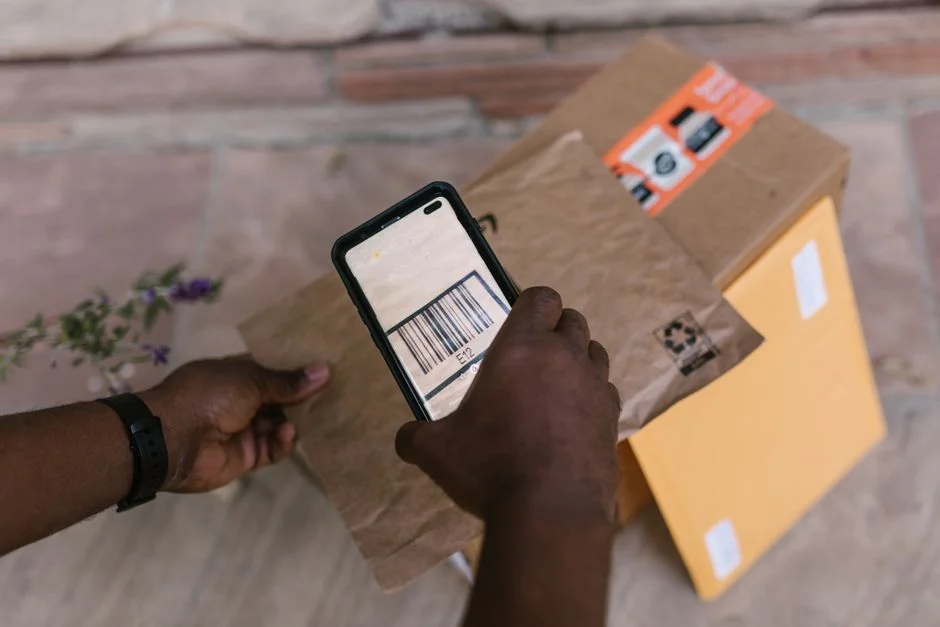
For businesses managing physical goods—whether in retail, warehousing, or manufacturing—the bottleneck is almost always data entry. Manual logging is slow, prone to human error, and disconnected from real-time ERP or WMS (Warehouse Management System) data. Transitioning to a mobile app for inventory scanning is not just an efficiency upgrade; it is a fundamental shift toward data integrity.
As an agency, we frequently see CTOs struggle with the decision between off-the-shelf SaaS solutions and custom-built mobile applications. While generic scanners provide immediate utility, they often lack the deep integration required to sync with proprietary backend systems or handle specialized workflows like batch tracking, serial number serialization, or multi-warehouse synchronization. This guide breaks down the architectural requirements, technology choices, and trade-offs involved in developing a custom inventory scanning solution.
Architectural Requirements for Inventory Scanning
A robust inventory scanning application must prioritize offline-first capability. Warehouses and retail backrooms often suffer from inconsistent Wi-Fi or cellular coverage. If your application crashes when the connection drops, your inventory operations stop.
- Offline Sync Engine: Use a local database (such as SQLite via WatermelonDB or Realm) to buffer scan events. When the connection is restored, the client performs a reconciliation process to sync with the central database.
- Camera vs. Hardware Scanners: While modern mobile devices have high-resolution cameras, they lack the industrial-grade laser optics of dedicated handheld terminals. If your use case requires scanning items from a distance or in low-light environments, your React Native app must support HID (Human Interface Device) profile integration for external Bluetooth scanners.
- Latency Mitigation: The UI must remain responsive even during heavy data processing. Use background threads (via React Native’s bridge or JSI) to handle barcode decoding and database writes, ensuring the user can continue scanning without waiting for server confirmation.
Technology Stack: Why React Native for Inventory Apps
React Native is the industry standard for cross-platform inventory tools. It allows for a unified codebase across iOS and Android, which is critical when fleet management includes a mix of company-issued devices and BYOD (Bring Your Own Device) policies.
| Metric | React Native | Native (Swift/Kotlin) |
|---|---|---|
| Development Speed | High | Moderate |
| UI Consistency | High | Variable |
| Hardware Access | Excellent | Native-Native |
| Maintenance Cost | Lower | Higher |
By using React Native, your team maintains one set of business logic for barcode decoding, inventory validation, and API communication. The performance overhead is negligible for scanning tasks, as the heavy lifting is handled by native modules (like react-native-vision-camera for image processing) rather than JavaScript.
Handling Barcode Logic and Performance
The core of an inventory app is the barcode processing layer. Relying on basic image capture is insufficient; you need a robust implementation that supports various symbologies (UPC, EAN, QR, DataMatrix, Code 128). Implementing this in React Native involves creating a camera preview that feeds frames into a native vision library.
// Example of a basic frame processor configuration

import { useCameraDevices } from 'react-native-vision-camera';

import { scanBarcodes, BarcodeFormat } from 'vision-camera-code-scanner';
const frameProcessor = useFrameProcessor((frame) => {
'worklet';
const detectedBarcodes = scanBarcodes(frame, [BarcodeFormat.QR_CODE]);
// Handle logic for successful scan
}, []);
This implementation runs on the native thread, ensuring that the scanning process does not block the UI thread. This prevents the ‘stutter’ users experience in poorly optimized applications during continuous scanning sessions.
Trade-offs: Build vs. Buy
The primary trade-off is between operational flexibility and initial capital expenditure. SaaS inventory scanners are inexpensive to start but often charge per user or per transaction, which becomes prohibitive as your company scales.
Build: Provides full control over data ownership, custom workflows (e.g., custom pick-lists for specific warehouse layouts), and direct integration into existing ERP systems.
Buy: Faster time-to-market. However, you are forced to adapt your business processes to the software’s limitations, and you have zero control over API rate limits or feature roadmaps.
For startups with unique inventory workflows or high-volume environments, building a custom solution is almost always the better long-term investment. If your requirements are standard—simple intake/outtake logs—a SaaS product is sufficient.
Security Considerations for Inventory Data
Inventory data is financial data. If your inventory app is compromised, you face stock manipulation risks, internal theft, or exposure of supply chain vulnerabilities. Security must be implemented at the application and transmission levels.
- Token-based Authentication: Never store credentials locally. Use OAuth2/OIDC with secure storage (Keychain/Keystore) to manage short-lived access tokens.
- Data-at-Rest Encryption: Ensure that any local database (e.g., SQLite) is encrypted at the file level. This prevents physical extraction of data if a device is lost or stolen.
- Audit Logging: Every scan should be timestamped and linked to a user ID. This creates a non-repudiable audit trail, which is essential for compliance in regulated industries like healthcare or pharmaceuticals.
Cost Factors and Budgeting
Building a custom inventory app is a significant engineering project. The budget is primarily driven by the complexity of the backend integrations rather than the mobile UI itself. Key cost drivers include:
- Integration Complexity: Syncing with legacy ERPs or custom SQL databases requires complex middleware and robust error handling.
- Hardware Compatibility: If the app must support specific industrial Bluetooth scanners, the testing phase will be significantly longer than a camera-only app.
- Offline Logic: Creating a robust conflict resolution strategy for when multiple users update the same inventory item while offline is a non-trivial engineering challenge.
Typically, project costs scale based on the number of external system integrations and the level of offline functionality required for the warehouse floor.
Factors That Affect Development Cost
- Integration complexity with existing ERP systems
- Offline data synchronization requirements
- Support for specialized industrial barcode hardware
- User role and permission management complexity
Development costs vary significantly based on the depth of backend integration and the required robustness of the offline-first sync engine.
Frequently Asked Questions
Can I use my phone as an inventory scanner?
Yes, modern smartphones are highly effective as inventory scanners due to their high-resolution cameras and processing power. While they work well for most retail and light warehouse tasks, they may require external Bluetooth scanners for industrial environments where scanning speed and ergonomics are critical.
What is the free inventory scanner app?
There are many free inventory scanner apps available on app stores, but they are typically limited by features, data privacy, and integration capabilities. These apps are suitable for personal use or small hobby projects, but they rarely meet the security and scaling needs of a growing business.
Is there a free app to scan items for value?
There are apps designed to scan barcodes to find retail pricing, but they are generally for consumer price checking rather than internal business inventory valuation. For business-grade inventory valuation, you need software that connects directly to your internal cost-of-goods-sold data.
What is the best app to keep track of inventory?
The ‘best’ app is one that integrates seamlessly with your existing tech stack and workflows. For most businesses, a custom-built solution that mirrors their internal processes is superior to generic, one-size-fits-all inventory management apps.
Investing in a custom inventory scanning application is a strategic decision to remove manual friction from your supply chain. By utilizing React Native, you gain a high-performance, cross-platform solution that can be tailored exactly to your warehouse operations, rather than forcing your team to adapt to rigid, generic software.
If you are ready to scale your operations and need a technical partner to build a robust, secure, and offline-capable inventory system, NR Studio is here to help. We specialize in custom React Native development and backend integration to ensure your software works as hard as your team does.
Ready to Build a Custom Solution?
NR Studio specializes in custom software built around your workflow. Tell us what you’re building and we’ll walk through your options together.