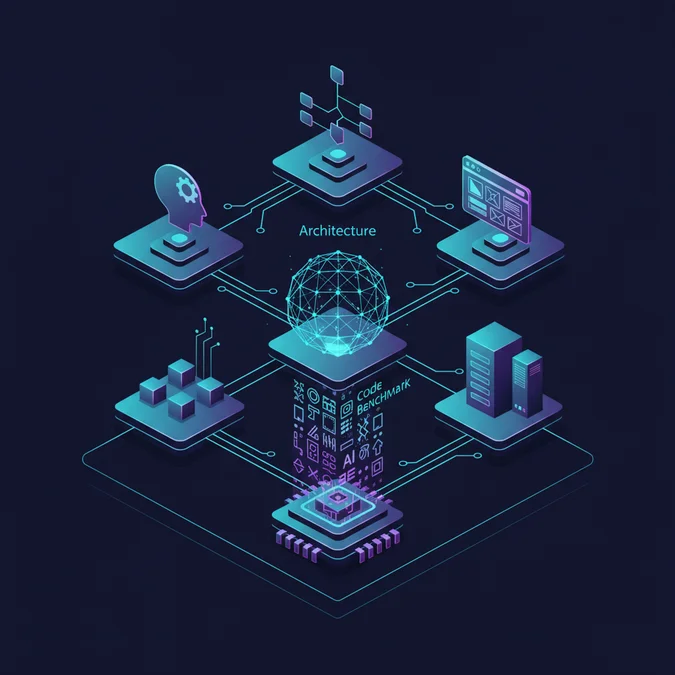

When engineers evaluate an AI design app, the focus must shift from aesthetic output to structural integrity. In 2026, the maturity of design-to-code pipelines has transformed these tools from simple image generators into complex integration hubs that influence the entire software development lifecycle.
For engineering teams, the challenge is no longer about generating pixels, but about ensuring that generated design assets maintain architectural consistency with existing component libraries. This guide examines the technical requirements for integrating generative design workflows into production environments, moving beyond the hype to address the realities of state management, design token synchronization, and cross-platform output.
Taxonomy and Architectural Foundations of the Modern AI Design App
An AI design app is not merely a canvas for creative expression, but a state-driven engine that processes intent into structured data. To categorize these tools effectively, we must differentiate between generative asset creators and full-stack design-to-code platforms.
The Technical Classification Checklist
- Generative Asset Engines: Focus on latent space manipulation for raster or vector generation.
- Component-Aware Platforms: Tools that map generated elements to existing design tokens.
- Workflow Orchestrators: Platforms that provide API-driven pipelines for CI/CD integration.
Technical Callout: The most robust tools in 2026 utilize transformer-based models fine-tuned on UI-specific datasets, allowing for the preservation of grid systems and spacing constraints during the generation process.
Comparative Analysis: Mapping Feature Sets to Production Requirements
When selecting an AI design tool, engineering leads must prioritize API availability and the fidelity of the exported code structure. The following table compares industry-standard capabilities as of 2026.
| Feature | Pro-Grade AI Platforms | Basic Generative Tools |
|---|---|---|
| Design Token Sync | Native (JSON/CSS) | None |
| API Access | Full REST/GraphQL | Limited |
| Code Export | React/Vue/Tailwind | Static SVG/PNG |
| Latency | Low (Sub-500ms) | Moderate |
| Version Control | Git Integration | None |
Bridging the Gap: How to Make a Design That Syncs with Codebases
To effectively make a design that survives the transition to production, teams must adopt a token-first approach. The goal is to ensure that the AI output maps directly to your design system variables rather than hardcoded pixel values.
- Define Constraints: Configure the AI model to adhere to your project’s specific spacing and color tokens.
- Generate with Structure: Request output in formats that support semantic hierarchy, such as layered SVG or JSON-based component descriptions.
- Automated Ingestion: Use a middleware script to parse the output and map it to your existing component library.
// Example: Mapping AI-generated layout to system tokens
const mapLayoutToTokens = (aiOutput) => {
 return {
 padding: theme.spacing[aiOutput.paddingLevel],
 color: theme.colors[aiOutput.colorKey],
 breakpoint: aiOutput.isResponsive? 'md': 'base'
 };
};
Integration Criteria and Infrastructure Trade-offs
Selecting the right platform requires balancing ease of use against the long-term maintenance of the generated artifacts. If the tool does not support direct integration with your version control system, the technical debt incurred during the manual cleanup phase may outweigh the initial productivity gains.
Production Readiness Checklist
- Does the tool provide a stable API for programmatic design generation?
- Are the exported assets compatible with your existing CSS-in-JS or utility-first framework?
- Does the tool enforce design system constraints during the generative phase?
- Is there support for automated linting of generated code blocks?
Frequently Asked Questions
What is the primary technical advantage of using an AI design app in 2026?
Modern AI design apps provide generative layers that automate boilerplate UI production. By integrating directly with design tokens and component libraries, these tools reduce the manual translation time between high-fidelity mockups and production-ready frontend code, significantly streamlining the handover process for engineering teams.
Can I make a design that is fully responsive using current AI tools?
Yes, you can make a design that is responsive by leveraging AI tools that support auto-layout constraints and token-based export settings. Advanced platforms now map AI-generated elements to CSS grid or flexbox properties, ensuring that the generated output scales effectively across various viewport sizes.
The integration of an AI design app into the engineering stack is a strategic decision that requires careful evaluation of data interoperability and system constraints. By focusing on token-based workflows and API-driven automation, teams can achieve a seamless transition from concept to production.
As these tools continue to evolve in 2026, the primary differentiator for high-performing teams will be their ability to treat design as code. Ensure your chosen platform prioritizes technical alignment over simple generative convenience.